
Why Storyline is the better default
Storyline gives instructional designers and developers a stronger environment for building interactions, branching scenarios, simulations, variables, feedback, and branded course interfaces. It also supports the kind of custom learner experience PCG builds for clients.
For most teams, the question is not whether a course can technically be built in Captivate. The better question is whether the course will be easy to use, easy to update, and strong enough to support real learner practice.
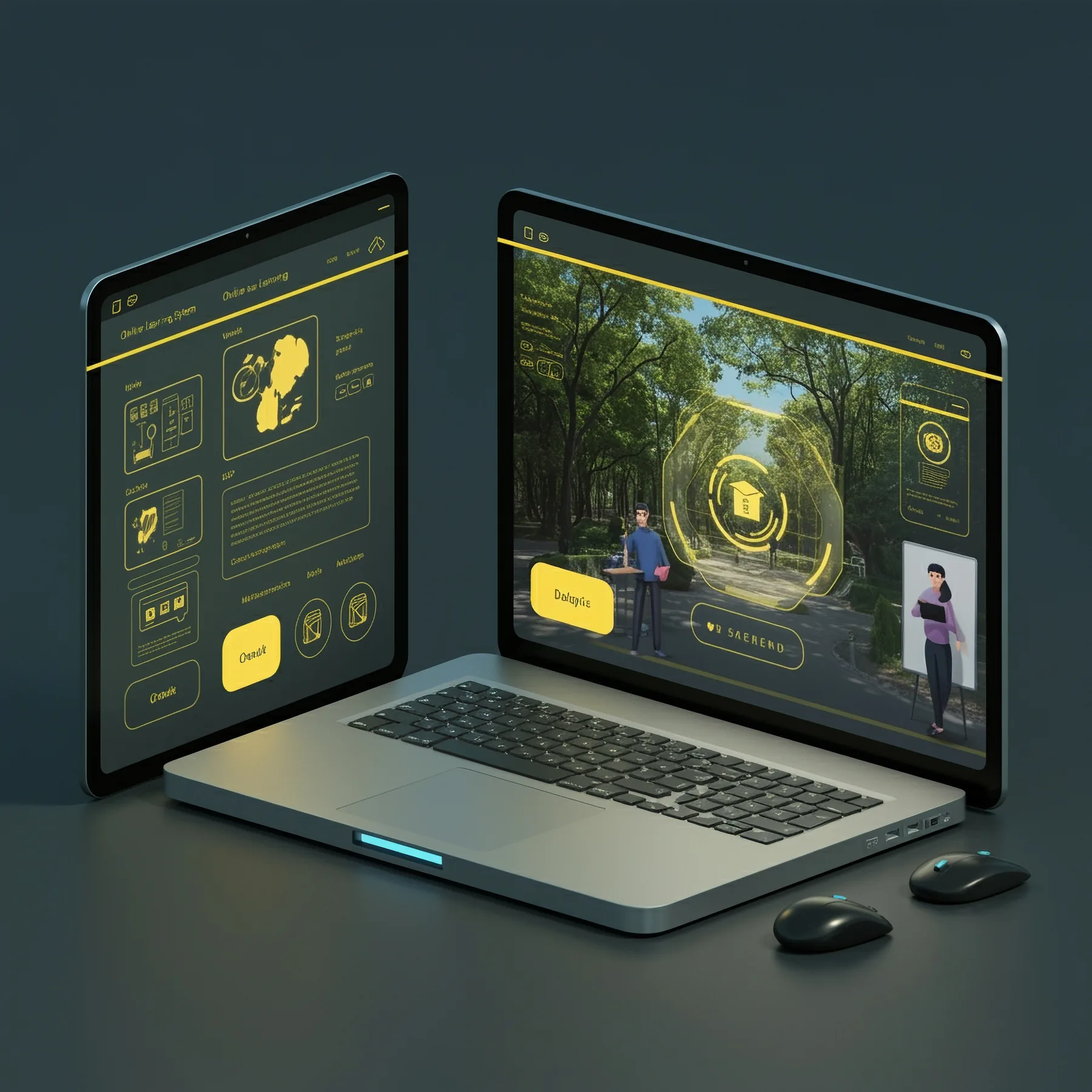
Where Captivate usually appears
Captivate often shows up in older training libraries, software demos, or legacy courses that need repair. Those courses may still function, but they can be harder to maintain and may feel dated compared with modern Storyline development.
When clients come to PCG with Captivate material, the best answer is often a thoughtful conversion to Storyline rather than another round of patchwork.
When to convert Captivate to Storyline
Conversion makes sense when the course needs a visual refresh, better interaction, accessibility review, LMS republishing, improved mobile behavior, or easier editing. It also makes sense when internal teams no longer want to maintain Captivate files.
PCG can preserve the useful source content while rebuilding the course structure, interface, activities, feedback, and publishing package in Storyline.
New builds versus legacy conversions
Start with Storyline for new custom eLearning. Convert Captivate courses to Storyline when the course still has value but the format is holding it back.
That gives your training program a cleaner foundation for future updates and a better experience for learners.