Software simulation training

Software training that shows people what to do next.

PCG develops software simulations, workflow walkthroughs, training videos, guided practice modules, and customer education assets for teams adopting or supporting complex systems.

Software simulation training examples
Software training

Software adoption fails when training is too abstract.

Users need more than a feature list. They need to see the correct workflow, practice decisions, understand exceptions, and connect system steps to the business task they are trying to complete.

Audience

  • Employees learning internal systems
  • Customer education teams
  • Software implementation groups
  • Healthcare and research software users
  • Hospitality operations teams
  • Sales enablement and support teams

Services for this industry

  • Software simulation course development
  • Screen-recorded training videos
  • Guided workflow walkthroughs
  • Process-based eLearning modules
  • Knowledge checks and branching scenarios
  • LMS-ready publishing and reporting
Industry proof

Experience that supports this kind of training.

These details help show the kinds of teams, materials, and delivery needs PCG is used to working with.

Relevant clients

Hilton Hotels, Roche, Ellis Education, Stanford University, and other teams with software, systems, and workflow training needs.

Relevant work samples
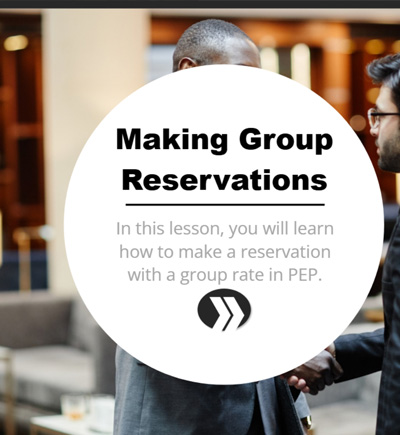
  • Hilton: Software simulation training for hotel operations and system adoption.
  • Roche: REDCap training video focused on project settings and software workflow clarity.
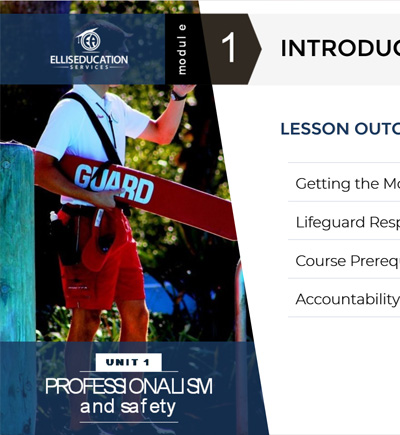
  • Ellis Education: Interactive software and operational training for aquatic safety education.
Tools and delivery

Storyline simulations, screen capture, video editing, JavaScript, Moodle, SCORM, xAPI, guided practice, and system workflow mapping.

Common constraints

Changing interfaces, staging environments, role-based access, workflow exceptions, support burden, and the need for learners to practice safely.

Common learner groups

Employees, administrators, customers, support teams, implementation teams, trainers, and software power users.

Common source materials

Screenshots, staging access, recorded demos, product documentation, release notes, SME walkthroughs, support tickets, and process maps.

Common project types

Click-through simulations, guided software practice, customer education, admin training, support enablement, and LMS-ready system training.

Visual example

Industry training works better when learners recognize the work.

Use realistic workflows, familiar tools, and clear examples so learners can connect the training to the decisions they make on the job.

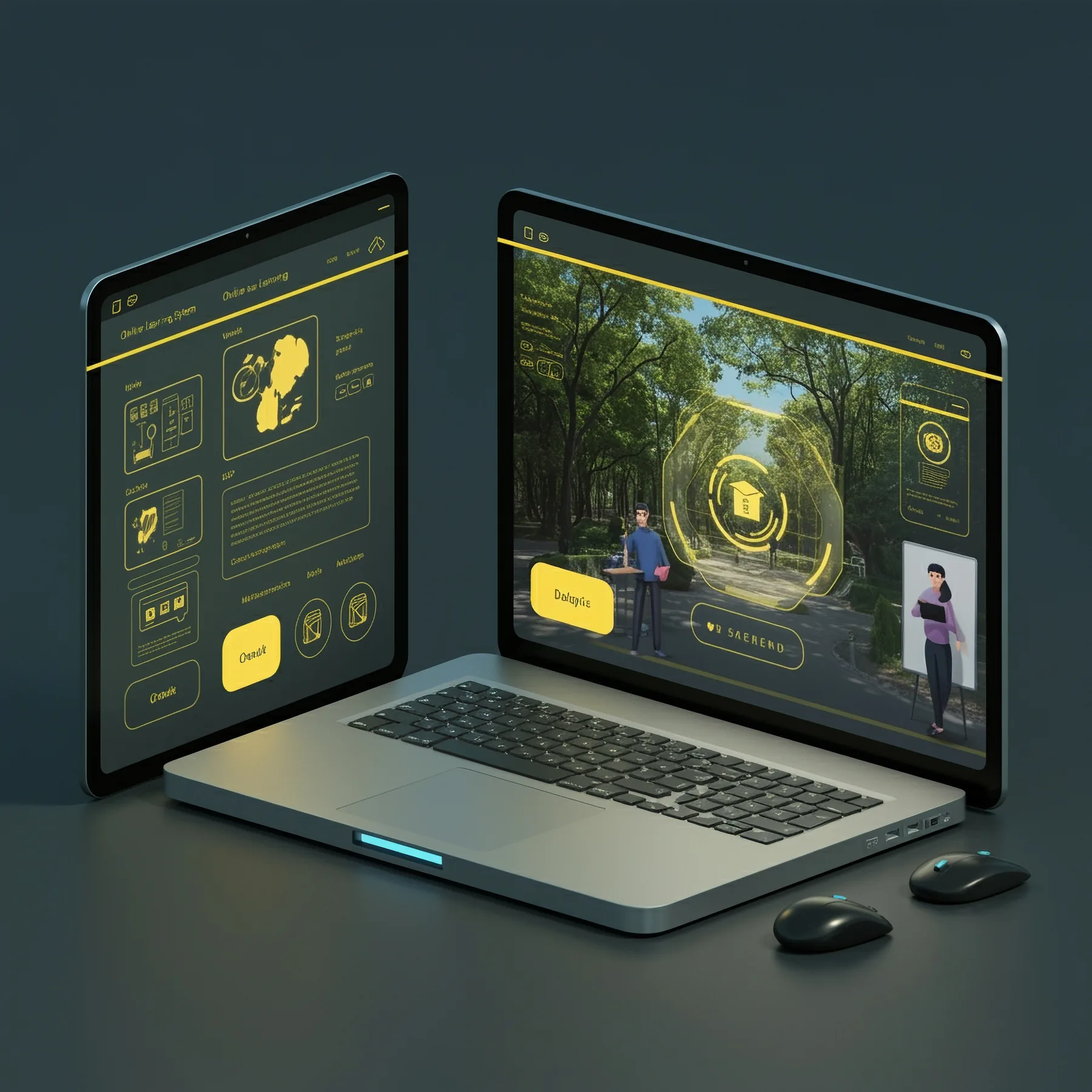
Interactive software simulation displayed across digital devices
Software simulations let learners practice realistic tasks in a guided digital environment.
Process

How PCG builds industry-specific training.

Each project is structured around the industry context, learner role, required behavior, source material, review workflow, and deployment platform.

01

Map the system workflow, user roles, and common errors

Map the system workflow, user roles, and common errors.

02

Write task-based scripts and capture the relevant screens or prototypes

Write task-based scripts and capture the relevant screens or prototypes.

03

Build demonstrations, guided practice, simulations, and assessments

Build demonstrations, guided practice, simulations, and assessments.

04

Publish the training for LMS, web, or customer education delivery

Publish the training for LMS, web, or customer education delivery.

Relevant work

Related examples from our portfolio.

Here are a few examples of PCG work in related settings.

Hilton Hotels training example
Example

Hilton Hotels

Software simulation training for operational systems.

View Related Work
Roche REDCap training example
Example

Roche REDCap

Software training video for project settings and research workflow support.

View Related Work
Related services

Related services for this kind of work.

Many projects combine industry knowledge with a specific production need. These services show how PCG can support the work from planning through launch.

FAQ

Can PCG build click-through software simulations?

Yes. PCG can build demonstrations, guided practice, and simulated tasks using tools such as Storyline and screen-recording workflows.

Can software training be used for customer education?

Yes. Software training can be built for employees, customers, administrators, support teams, and implementation teams.

Can PCG create training before the software is fully released?

Often, yes. PCG can work from staging environments, prototypes, screenshots, process maps, or SME walkthroughs when final software is not yet public.

Need training products for this industry?

Send the industry, audience, source materials, timeline, LMS requirements, and desired outcome. PCG can recommend a practical production path.

Request an Estimate